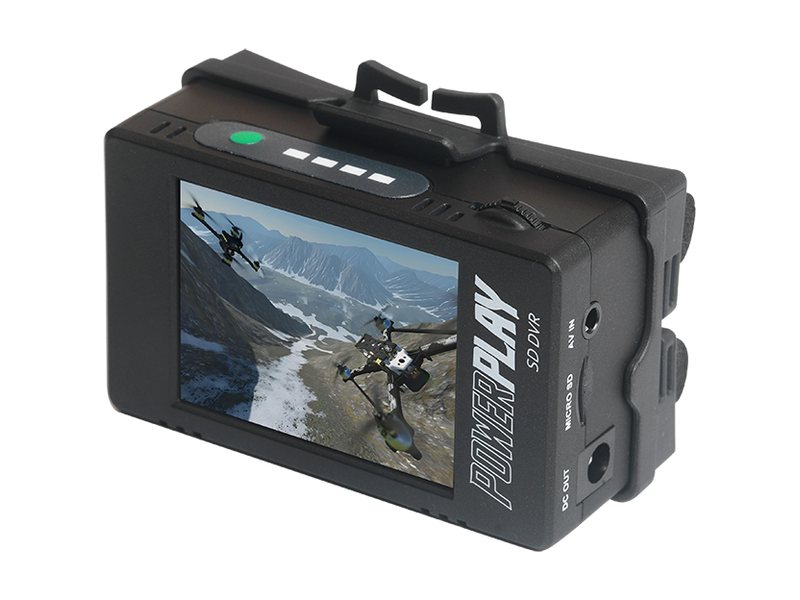
 Sold new
Mod version in testing
Black PowerPlay
The newer model, sold new on Amazon. It runs different firmware, so don't flash the white-unit beta on it. I'm testing a version for it now.
The same guy who's been strapping PowerPlays to Hi8 and MiniDV cameras for years is behind the Tapeless Mod. So even if you aren't a firmware engineer, you can record without the line bounce, at up to 30 Mbps, with looks baked right into the file. It's free, and you can flash back to stock any time.
Screen image not simulated: stock firmware above, Tapeless Mod below, same camera, half speed. For the original white ImmersionRC PowerPlay. A version for the black PowerPlay is in testing.
The PowerPlay, the mount, and the cameras and night vision gear I shoot with.
Sold new
The newer model, sold new on Amazon. It runs different firmware, so don't flash the white-unit beta on it. I'm testing a version for it now.
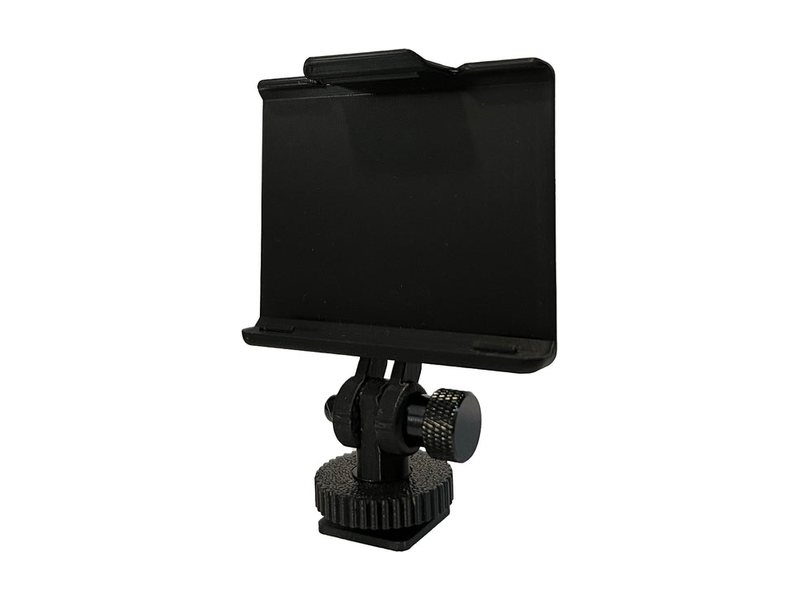
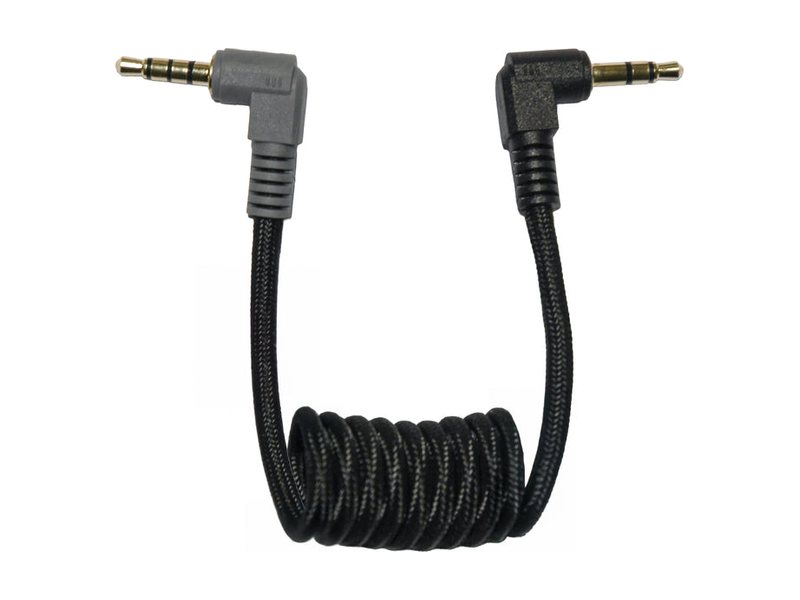 Code TYLER
Hot shoe mounts and camcorder A/V cables made for the PowerPlay. It's what's on my rigs. Use code TYLER
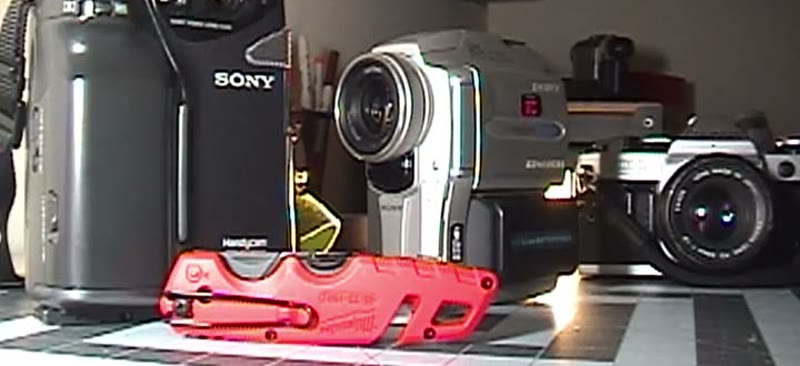 Shot on a PowerPlay
 NIGHTSHOT
Sony Night Shot plus an infrared light turns an old Handycam into a night vision camera.
 Works with the mod
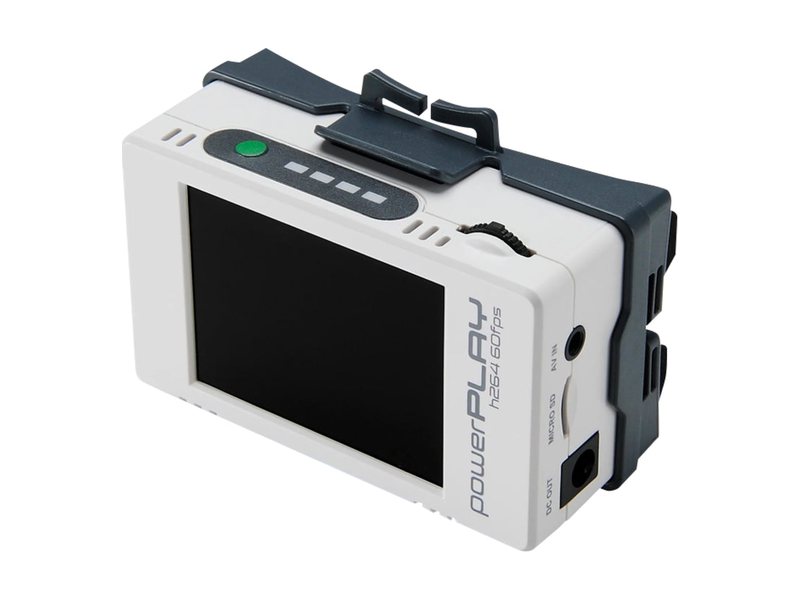
The original, and the one the mod is built for. Look for a used one on eBay.

Some links on this page are affiliate links (Amazon, eBay, Dev Build). If you buy through them I may earn a commission at no extra cost to you. As an Amazon Associate I earn from qualifying purchases. Product photos from ImmersionRC/Orqa, AGS and Dev Build.
Hey, I'm Tyler. I've recorded on a PowerPlay for years, and one thing always bugged me: every frame bounces up and down a line. So I spent a few weeks inside its firmware and fixed it, then kept going.
Everything here is set from a new camcorder-style menu on the PowerPlay itself. No computer needed after the update.
Tyler Casey, November 2026
Original white ImmersionRC PowerPlay · firmware 2.0032 · 2.3 MB
The download goes live soon. New builds get posted on Instagram @tylercaseyprod.
powerplay.bin to the cardPut it in the root of the card. No folders, and don't rename it.powerplay.bin from the cardOtherwise it flashes again on the next boot.White unit only, battery fully charged. Running out of power mid-update is the one real way to brick it.
Yes. If it helps your shoots, buying gear through the links on this page is the best way to support it.
Not yet. The PowerPlays on Amazon are the black version, which runs different firmware. Don't flash this build on it. I'm testing a version for it now; follow @tylercaseyprod to hear when it's out.
It uses the same update process as an official release. The real risk is the battery dying mid-update, so charge it first. If anything feels off, flash the official ImmersionRC firmware and you're back to factory.
DM me on Instagram @tylercaseyprod with your camera model and what happened. A phone video of the screen helps a lot.